A kids fitness program for your gym, with Buddy.
Buddy shows the moves on your TV. You run the class from your phone.
1 month free. No card, no hardware to buy.
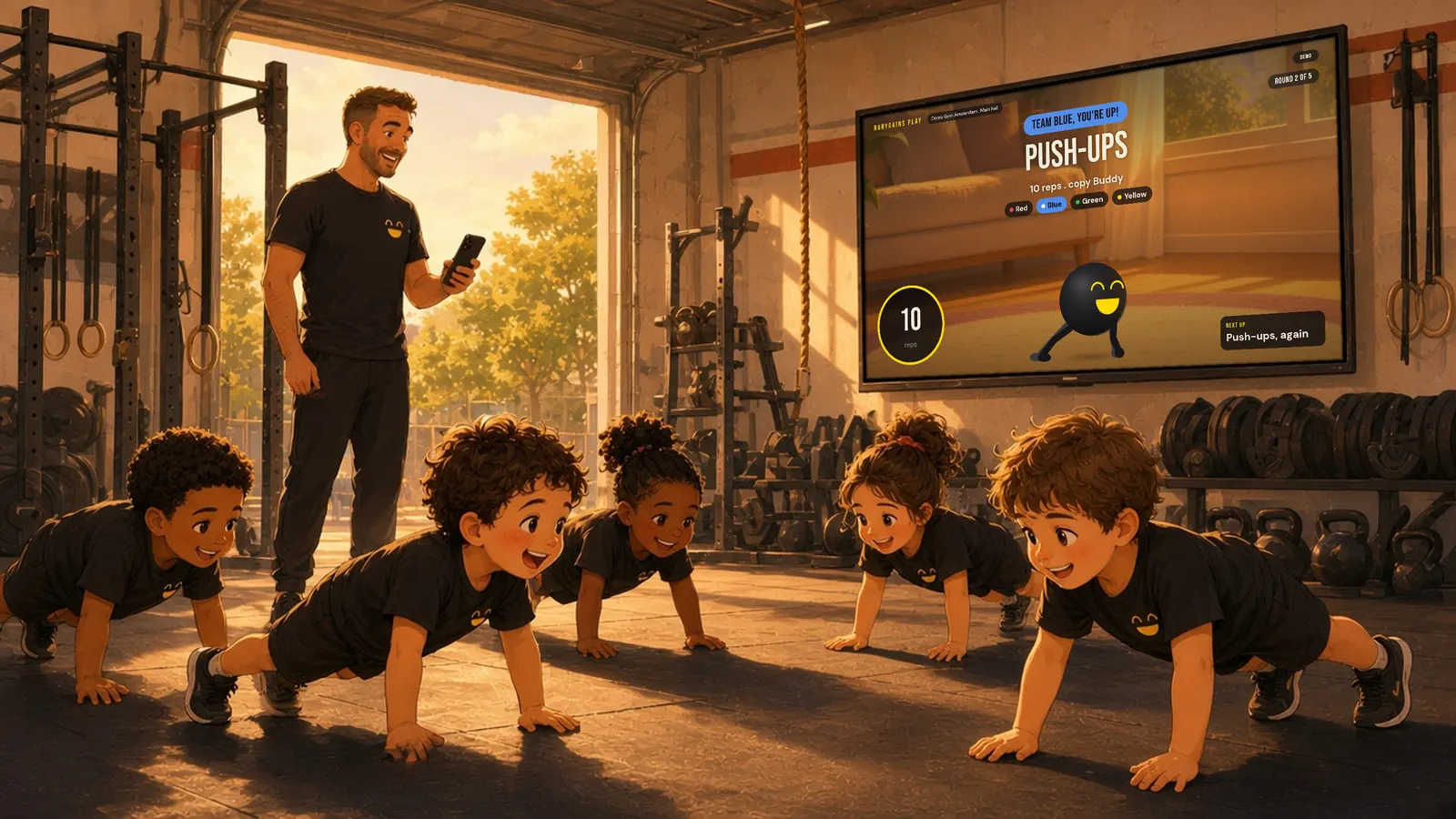
Showing every move and keeping a group of four-year-olds together is a lot for one coach.So Buddy shows the moves on the screen and you coach the kids.
Philip, dad and founder of BabyGains
Run a class from this page.
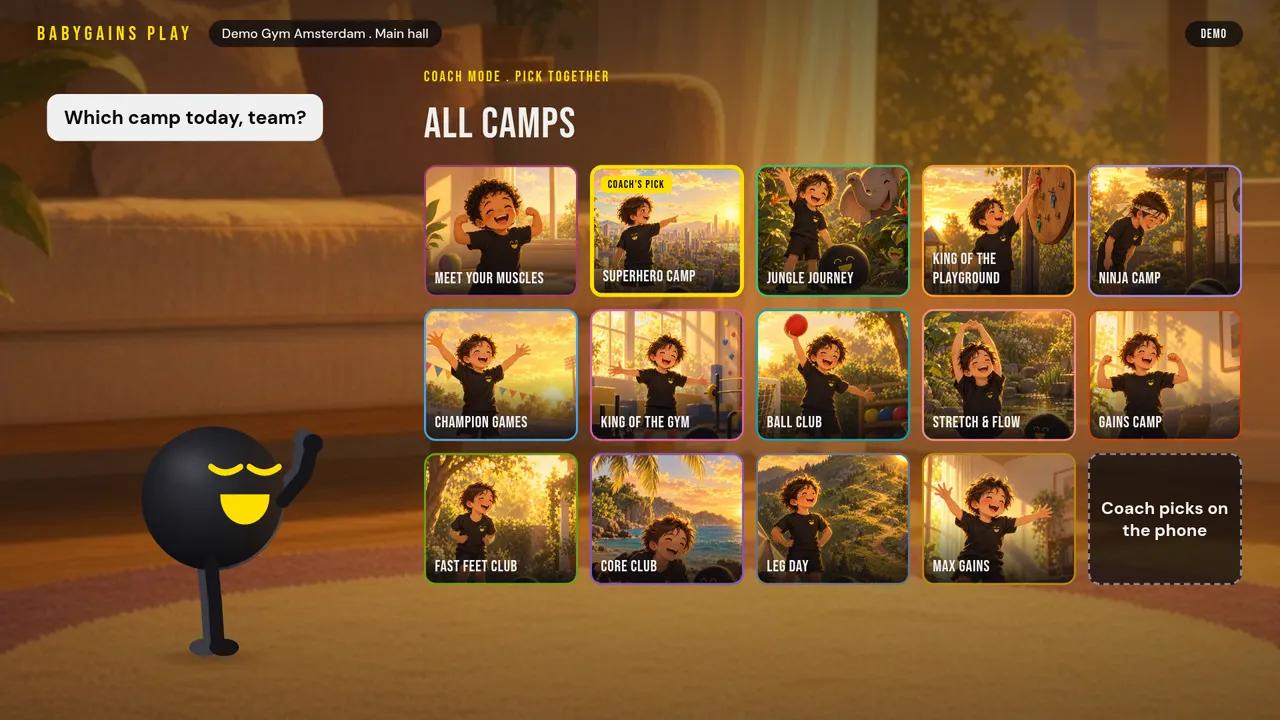
Pick today's camp
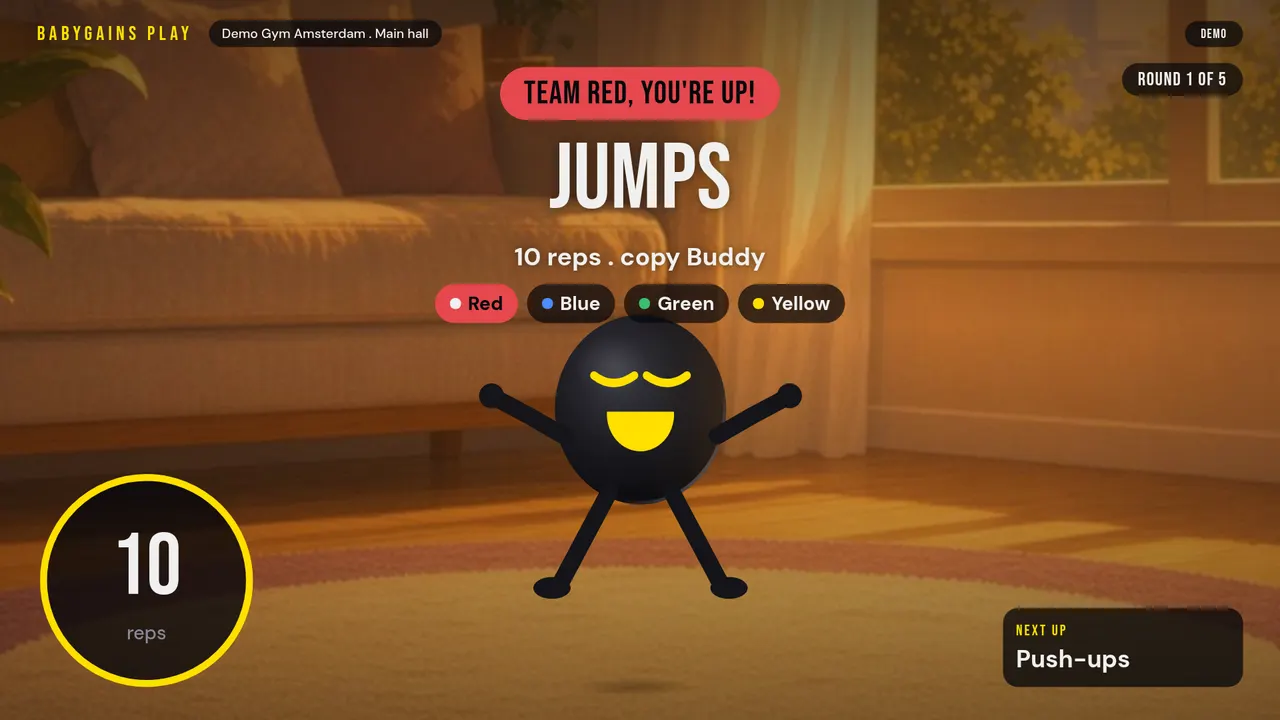
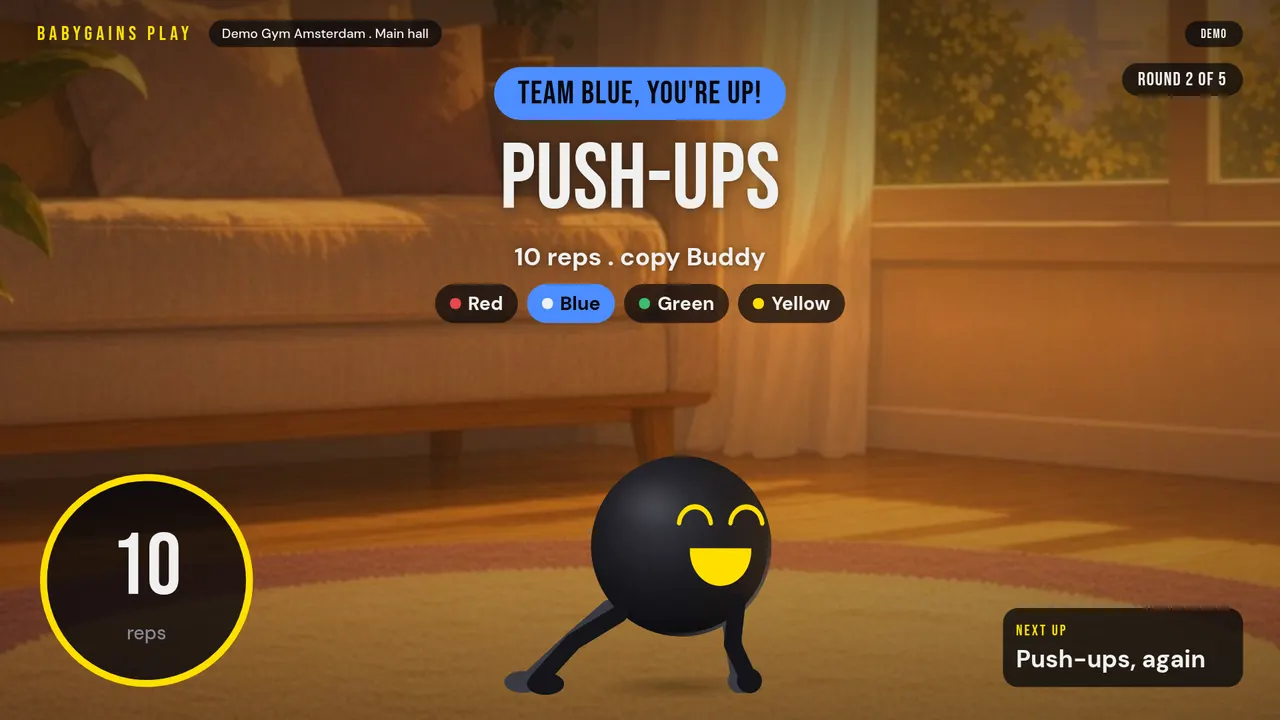
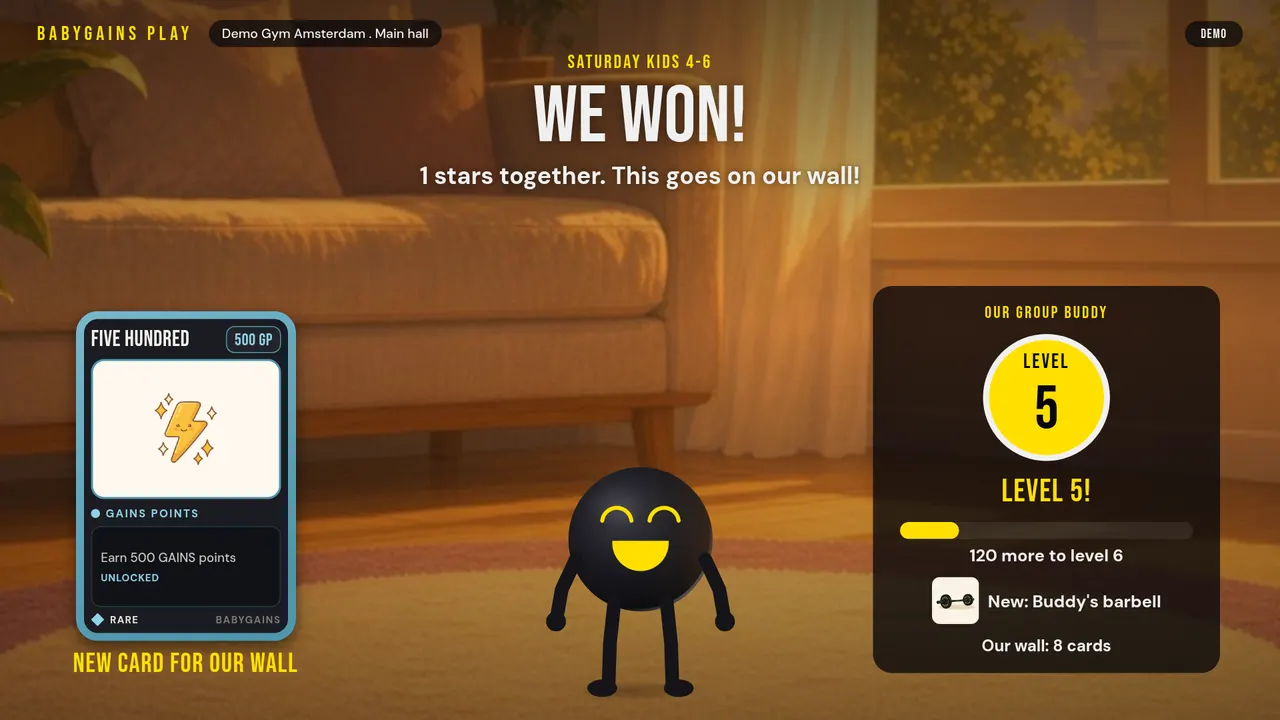
The big screen is the real app (preview). The phone is the coach remote.
A kids class app: two steps, one if you want.
- Step 1
Buddy on your big screen.
Open the class in a browser on your TV, laptop or tablet. Buddy shows each move. The timer and the teams sit next to him.
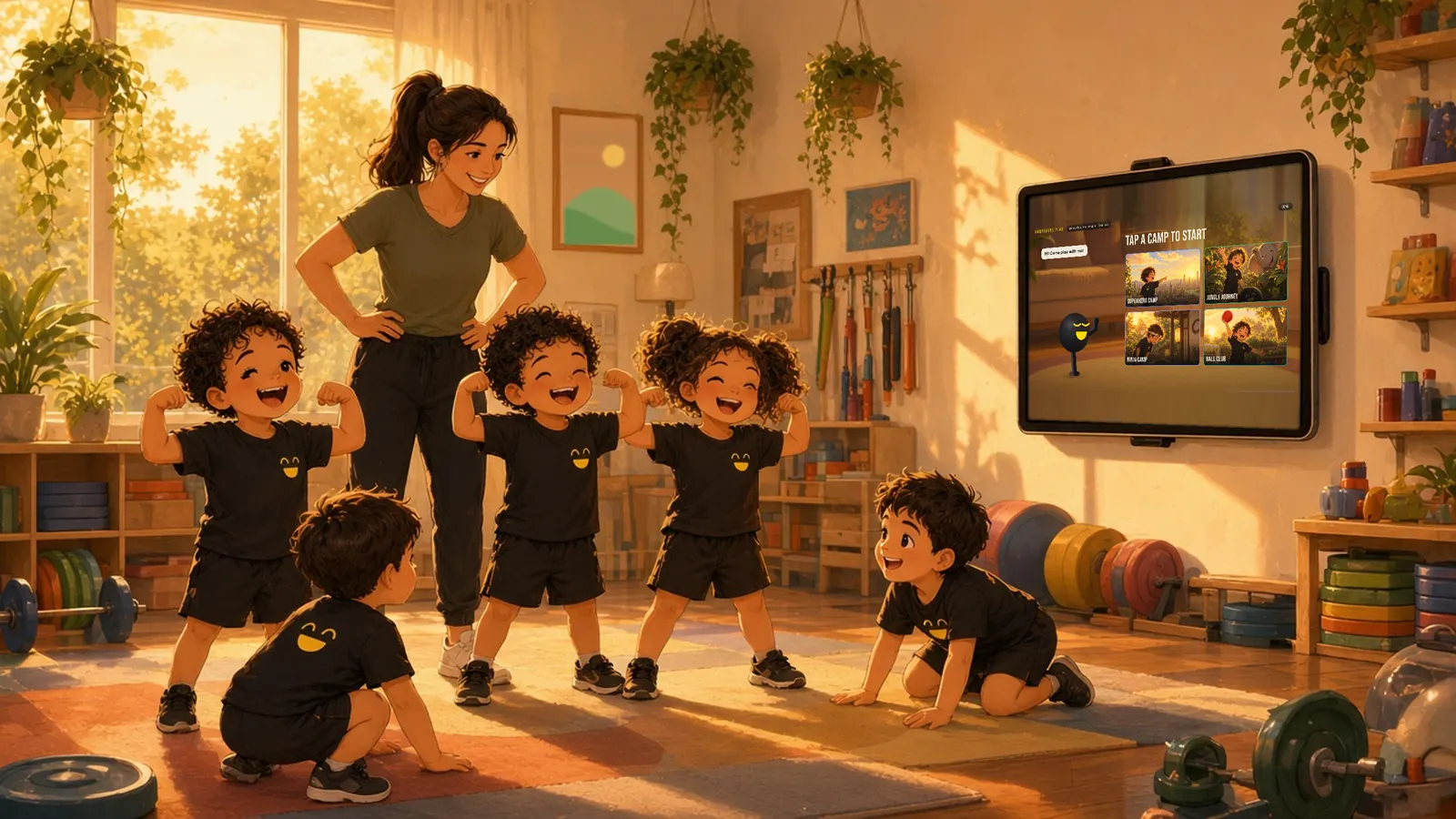
The screen you already have: a TV, a laptop or a tablet on the wall. - Step 2
You run the class from your phone.
Start, pause, next move. Your phone is the remote, so you stay on the floor with the kids. At the end Buddy cheers and each team sees its stars.
Product preview
Product preview: the coach remote. - If you want
Families keep playing at home.
This stays off unless you turn it on. You can put up a small poster with your gym code, or let Buddy mention home when a kid finishes a camp. Never after a normal class.
Product preview
Optional poster for your gym. 
If you want: the same move at home.
Two gyms, one Buddy.
Boutique kids gym
Saturday, 9:00, eight kids aged 3 to 5. The tablet on the wall plays Buddy, the coach stays on the floor. Every week a new camp stop, so they ask to come back.
CrossFit box
Members train at 17:30; their kids train next door. Buddy runs the moves on the box TV in teams by colour, one coach watches form. The parents finish their WOD.
What you get from day one.
Build your own class
Pick moves from BabyGains Play and put them in the order you want. Every move comes with Buddy’s demo.
Use the screen you have
A TV, projector, laptop or tablet. Type a short code on the screen to connect it. Nothing to buy.
You stay the coach
Buddy shows the move. You coach the kids. The screen follows your phone, not the other way round.
A short cheer at the end
Buddy cheers and the teams see their stars. Nothing to scan and nothing to sign up for.
1 month free. Then one of two plans.
Studio
One coach, one room, the big screen.
$49per location per month- Coach mode + big screen
- Class builder
- Kids cards and the group Buddy
Pro
Kids who come back every week.
$99per location per month- Everything in Studio
- Class mode with kid profiles
- Open mode kiosk
Both start with 30 days free, no card. Prices per location, per month.
What a kids class earns.
Move the sliders to your gym. Your numbers decide, so the panel shows break-even, not a promise.
Studio is paid back and $701 stays with you.
- Kids class (1 × 10 × $75)
- $750
- Parents who stay (0.0 × $50)
- $0
- Extra around it
- $0
- Studio
- −$49
Break-even: 1 paying kid at $75, or 1 parent member kept at $50. Not a promise; your numbers decide.
Kids class only, a month after Studio
| Kids in class | $40 per kid | $60 per kid | $75 per kid | $100 per kid |
|---|---|---|---|---|
| 4 kids | +$111 | +$191 | +$251 | +$351 |
| 6 kids | +$191 | +$311 | +$401 | +$551 |
| 8 kids | +$271 | +$431 | +$551 | +$751 |
| 10 kids | +$351 | +$551 | +$701 | +$951 |
| 12 kids | +$431 | +$671 | +$851 | +$1,151 |
| 15 kids | +$551 | +$851 | +$1,076 | +$1,451 |
Yellow pays Studio and more. Red does not yet. Based on 1 class a week.
Where the numbers come from
What gyms charge for a kids class today:
- €20 a month, or €7 a lesson · Kids bootcamp, Just No Excuses, Hilversum (Kidsproof listing)
- £30 a month · CrossFit Kids, CrossFit Huddersfield
- £32 a month, one class a week · Kids P1–4, CrossFit JXL, East Lothian
- £36 a month, one class a week · Kids & Teens, CrossFit Cheltenham
- $75 a month · CrossFit Kids, CrossFit Templum, Carrollton TX
And why keeping members matters:
- Gyms kept 66.4% of their members over a year: about one in three left. Health & Fitness Association, 2025 Benchmarking Report
- 51.9% were still members after 12 months, 24.4% after 24. TRP/Hillsdon data, 100 UK clubs, in Health Club Management (older data (2009–2012))
- Members in 3+ Les Mills programs a week stayed 35.3 months, against 23.4 for members in none. Les Mills, citing ukactive and TRP data (correlation, and Les Mills sells classes)
No study shows a kids programme lowers churn, so that slider starts at 0.
“We’ve had a chance to play around with it a little and the kids have really enjoyed it so far. I love the concept…”
What gym owners ask.
What screen do we need?
Any screen with a web browser: a smart TV, a laptop on a projector, or a tablet. You connect it with a short code. Nothing to buy or install.
Do we need wifi?
Yes. The big screen and your phone both need internet during class. Normal gym wifi or a phone hotspot is enough.
What ages is it for?
Kids classes for ages 2 to 8. The moves come from BabyGains Play, our kids workout app for ages 0 to 8.
What about privacy?
Kids need no account and no name. They play in teams by colour, and there is nothing to scan at the end of class. If you put up the optional poster, parents can make their own account at home if they want to.
What happens after the free month?
You pick Studio or Pro, or you stop. No card is needed to start, so if it does not work for your gym you owe nothing.
Will it push our families to an app?
No. A class ends with a cheer, not a sign-up. The home step is off by default. You decide if there is a poster, a mention in your own channels, or a short moment after a finished camp.
Does it replace the coach?
No. Buddy shows the move. The coach runs the class. It is made for a coach on the floor, not instead of one.
Guides for coaches
Plain how-tos for running a kids class, from the first session to the sums.
Next class, Buddy joins.
Questions first? Email Philip.
Planning a family-friendly gym? Read the Gym Playbook or try the ROI calculator.
For families: the kids workout app and our guide to fitness parenting.